Photo editor · macOS

milkglass

Film looks for digital photos.

Open a RAW or JPEG and choose a film stock. Use it as it is, or adjust the white balance and grain until it looks right.

Download on the Mac App Store

Free to try for 7 days · $29.99 USD to unlock · macOS 14 or later
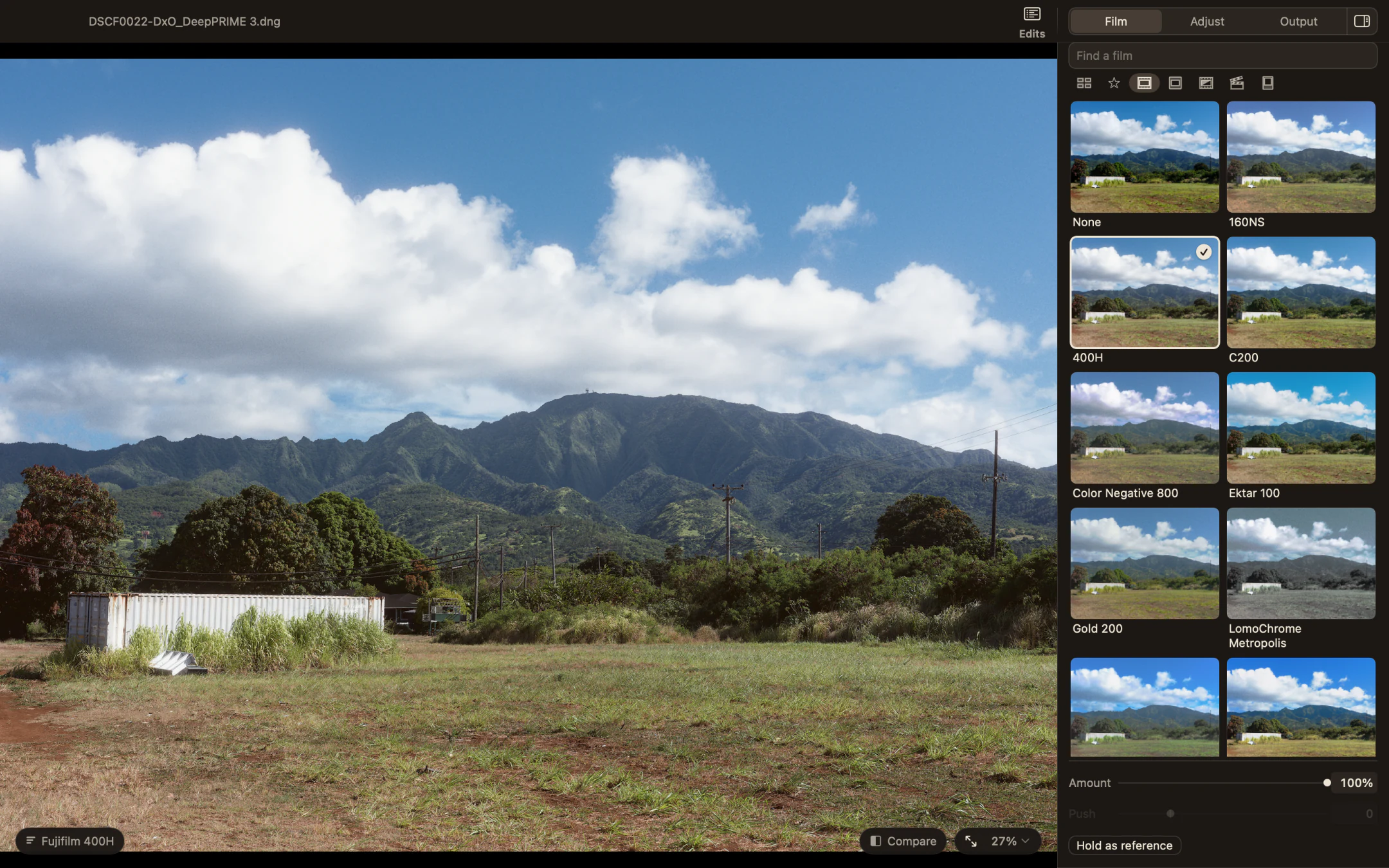
Milkglass with the Film page open beside a photograph of a green field and mountains, Fujifilm 400H selected.
Fujifilm 400HThe Film page previews every stock on your own photo.Open any screenshot for a closer look.

From RAW to film

Here it’s the same RAW on both sides. One film stock, with milkglass’s Auto setting the exposure and tone. Nothing by hand.
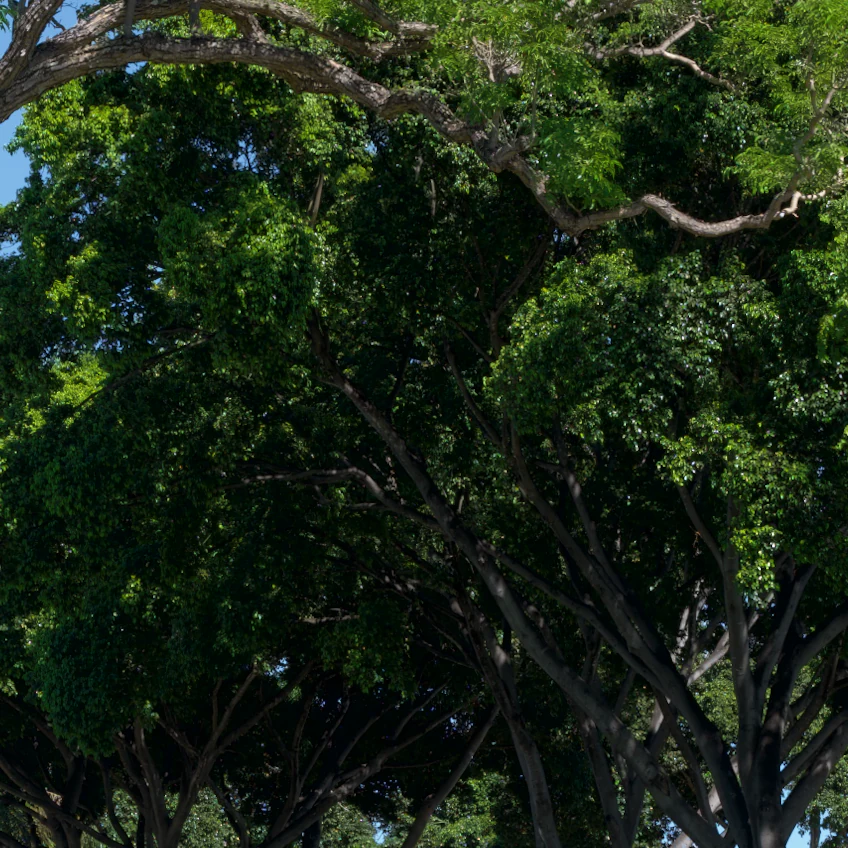
Leaves in deep shade under a tree, crushed to black, with a Kodak Gold 200 preset. Preset
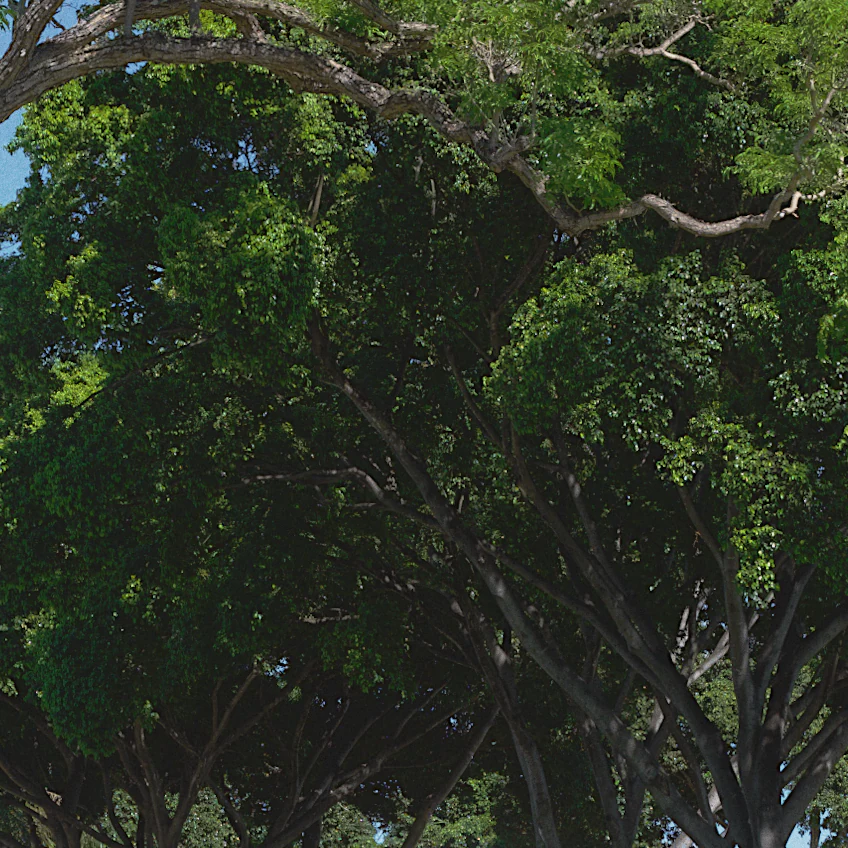
The same shade in milkglass with Kodak Gold 200, the leaves still there. milkglass
Deep shade, Kodak Gold 200 on both. The preset is only Gold 200’s colors, and the leaves sink to black. milkglass adds the film’s curve, and they stay.
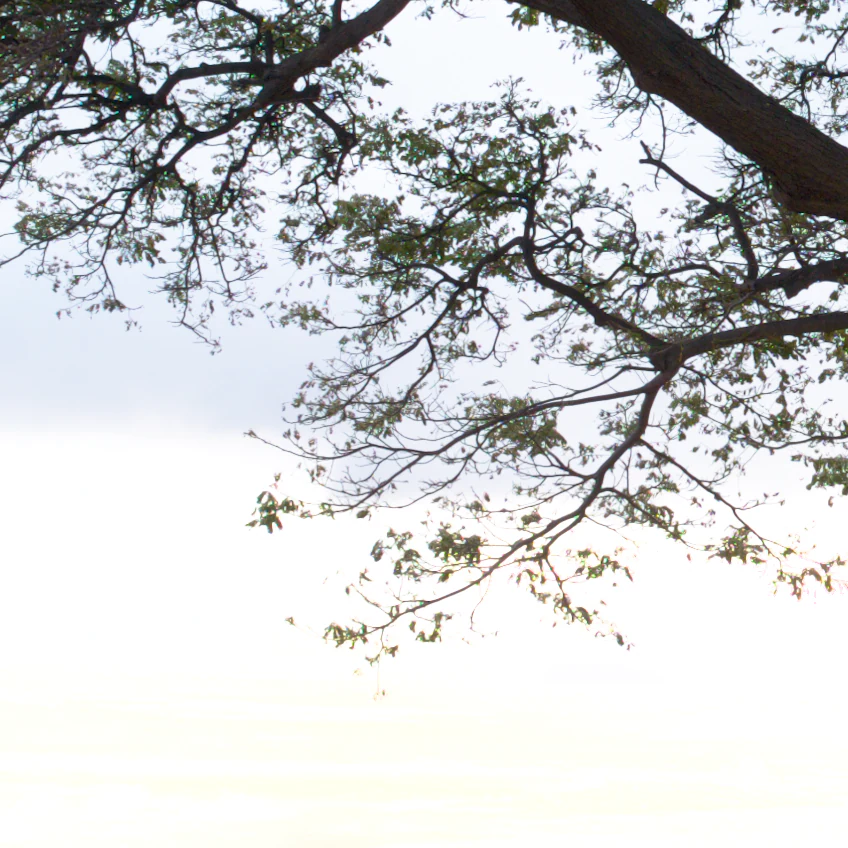
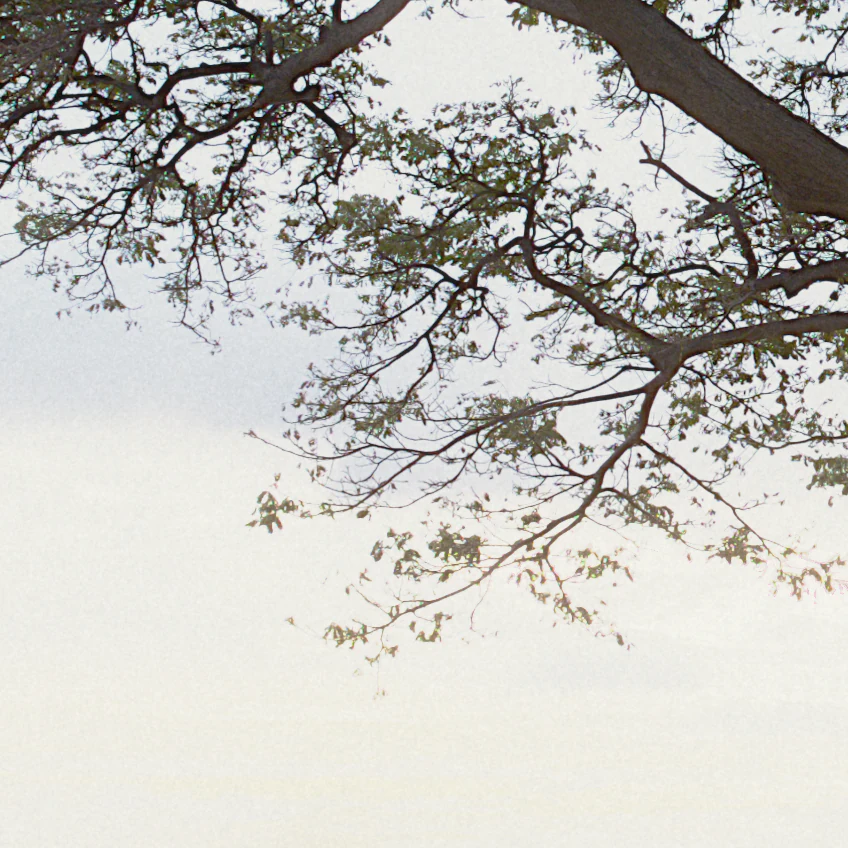
Thin branches against a bright sky, overexposed, the sky blown to white with a Kodak Gold 200 preset. Preset
The same branches in milkglass with Kodak Gold 200, the sky held and every twig drawn. milkglass
Two stops over, same film. The preset clips the sky to flat white. milkglass holds it just below white, so the clouds behind the branches stay.

More than color

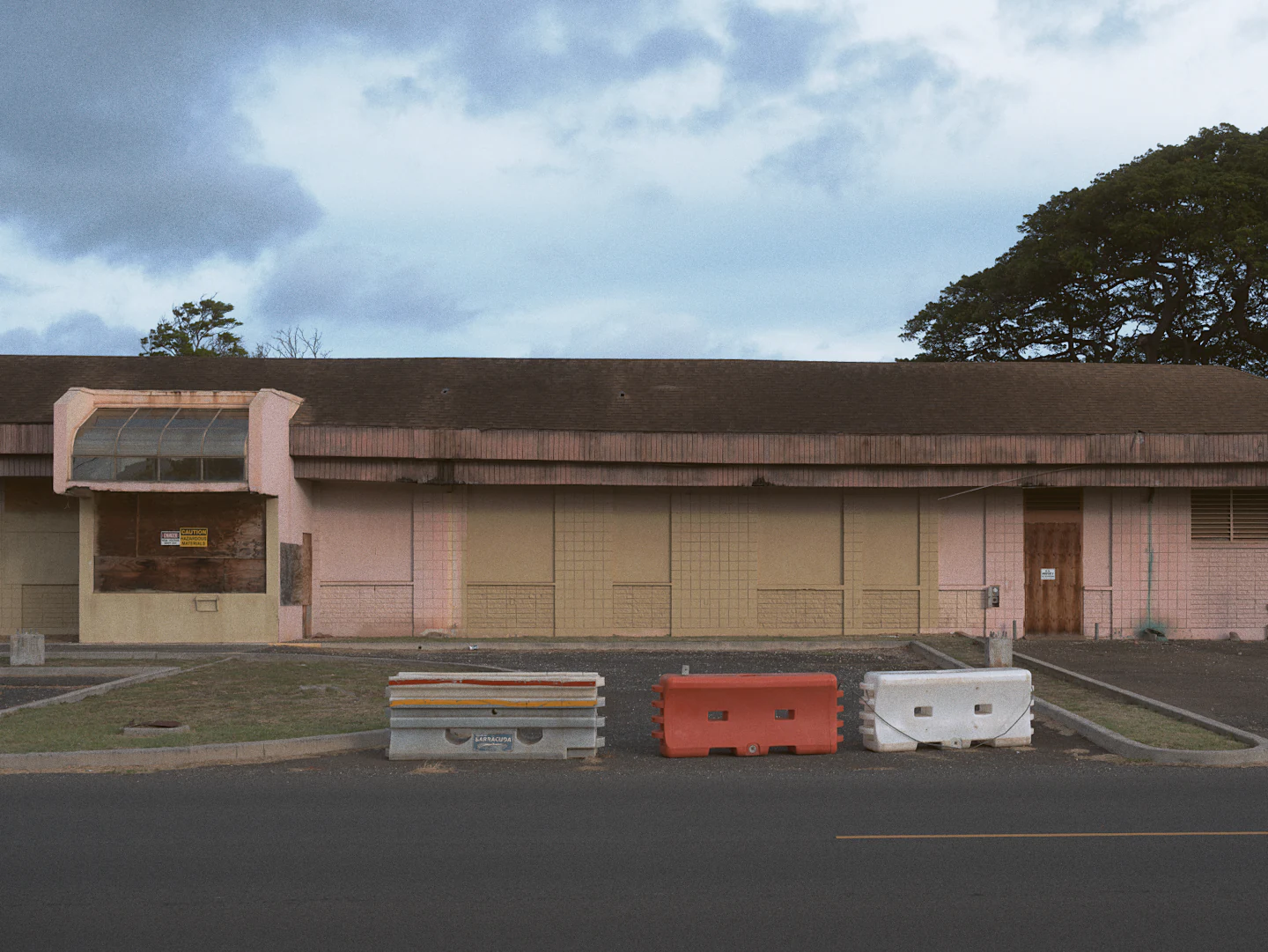
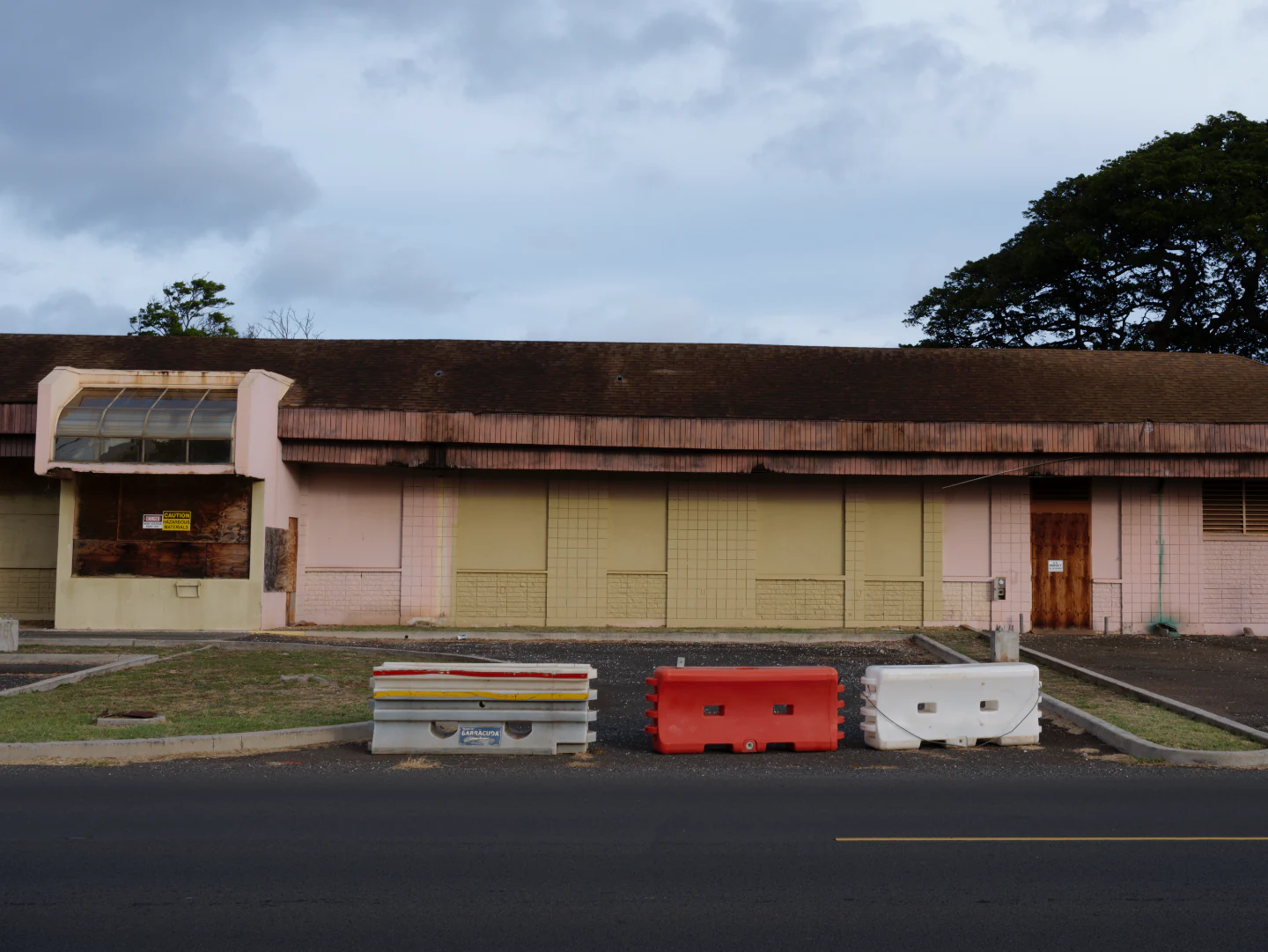
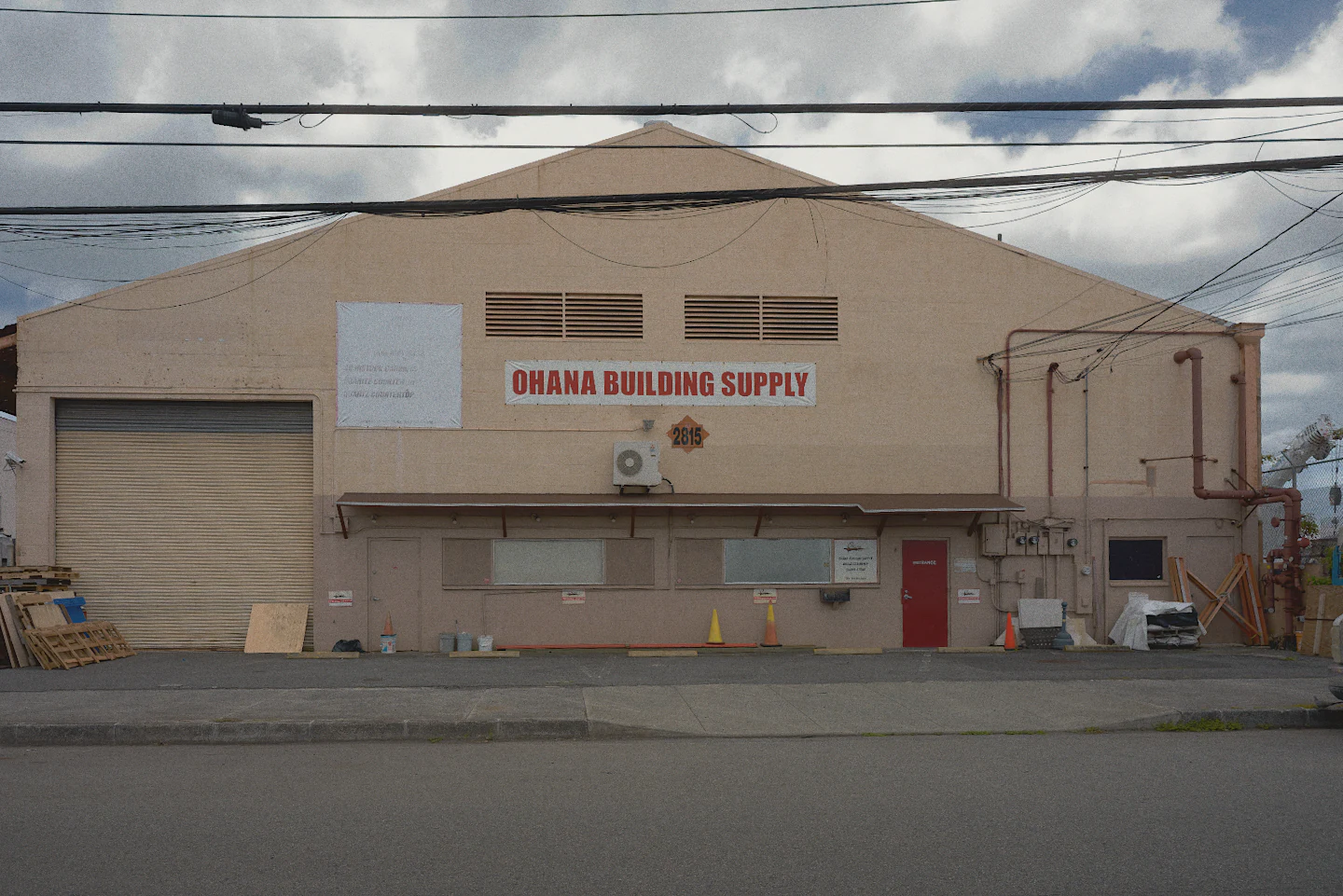
A pale pink warehouse under power lines as the RAW file opens, a little crooked, with no film. Straight from the camera
The same warehouse edited in milkglass, squared up, the sky darker, with Kodak Gold 200. Edited in milkglass
Straightened, sky burned in, Kodak Gold 200.

Grain, up close

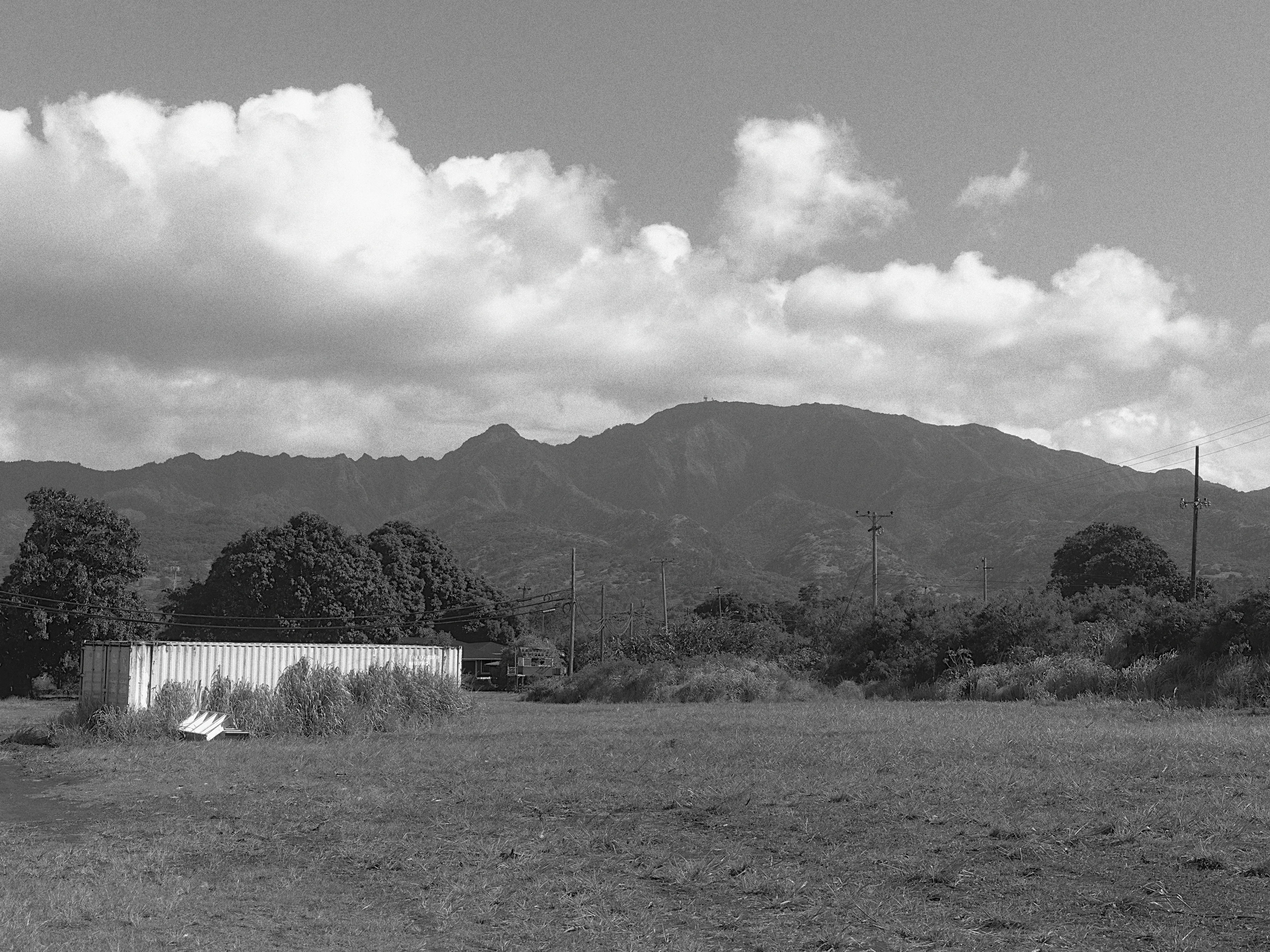
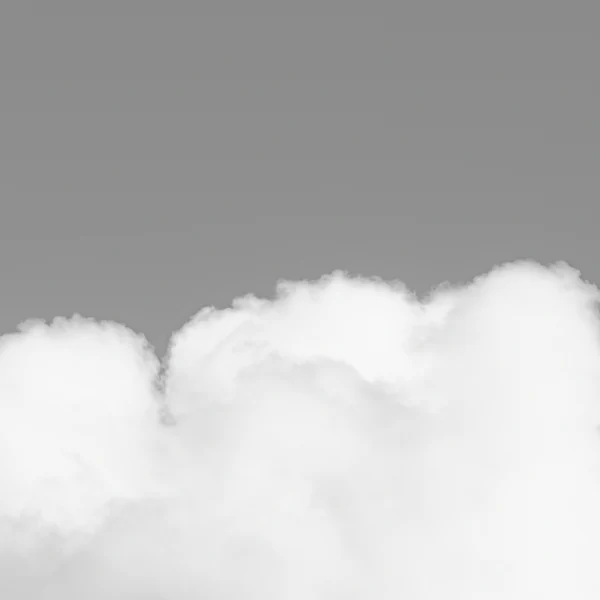
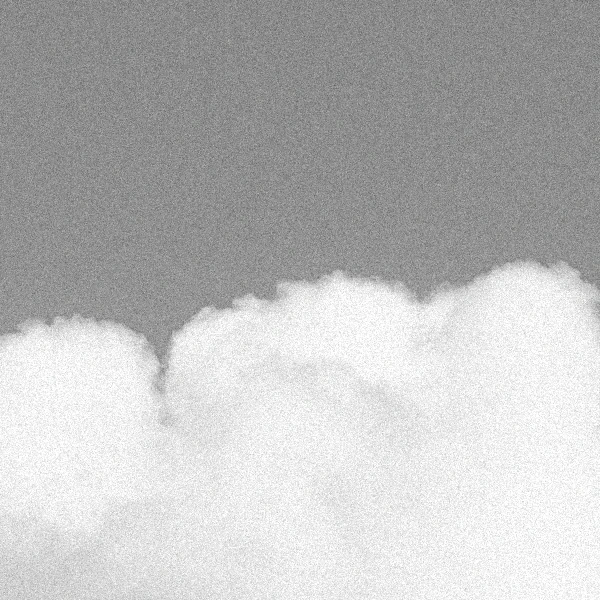
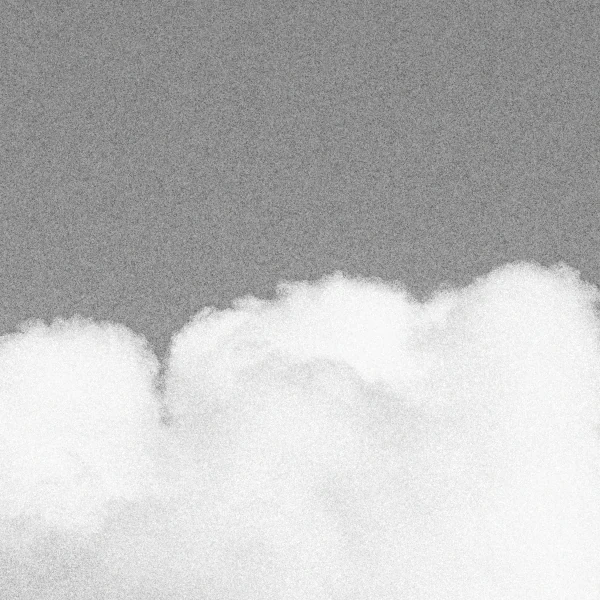
A typical grain filter lays the same noise over the whole frame. Film grain is heaviest in the midtones and thins out in clean whites and deep shadows. The grain in milkglass does the same.
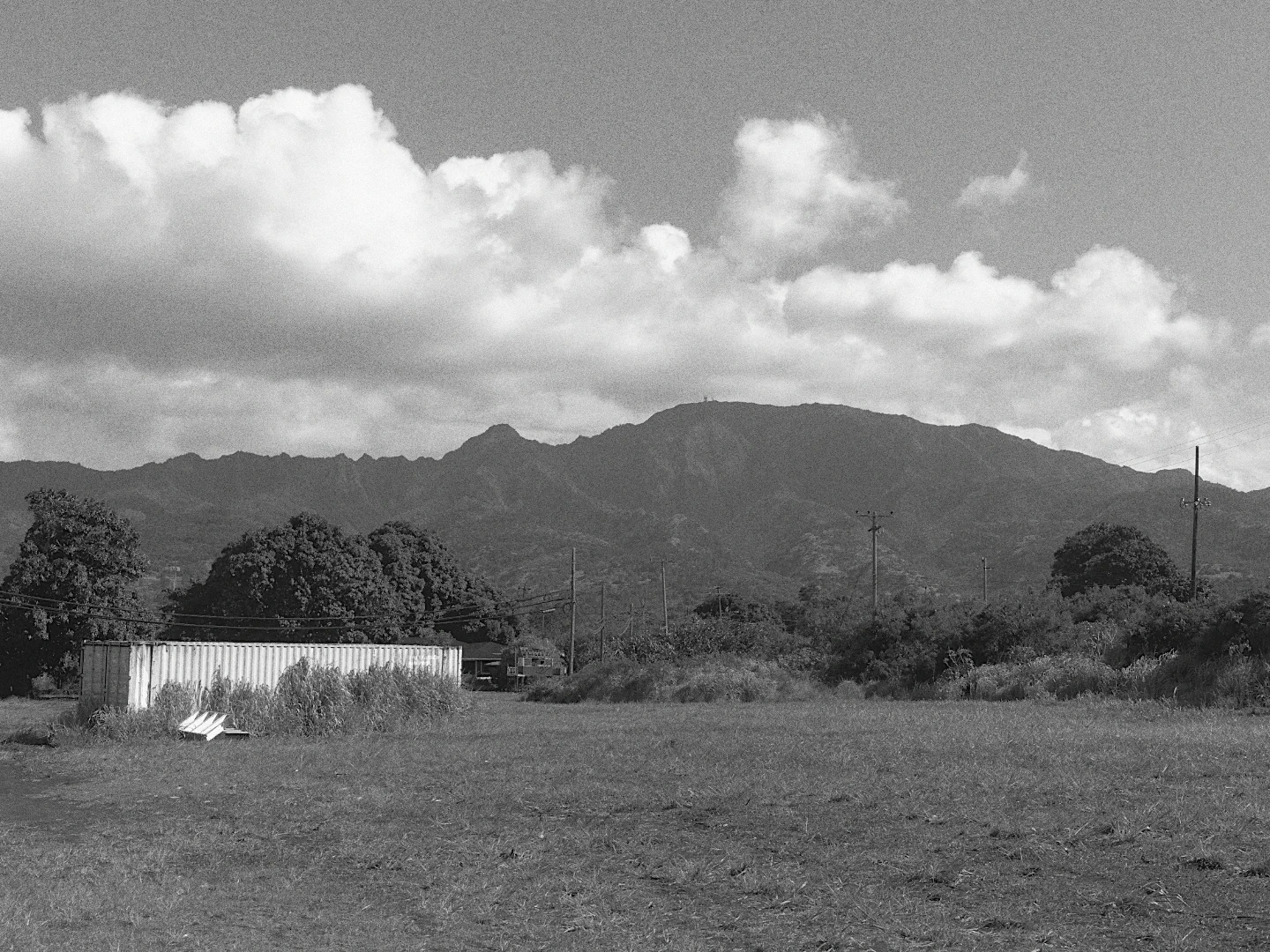
A field below a mountain ridge under white clouds, in black and white with Ilford HP5 Plus 400. Ilford HP5 Plus 400
A cloud edge against grey sky, close up, with no grain. No grain
The same cloud edge with an even noise over sky and cloud alike. Grain filter
The same cloud edge in milkglass, grain in the grey sky and a clean white cloud. milkglass
The same spot, close up. The middle one is even noise I added for this comparison. Look at the cloud.

Too sharp to be film

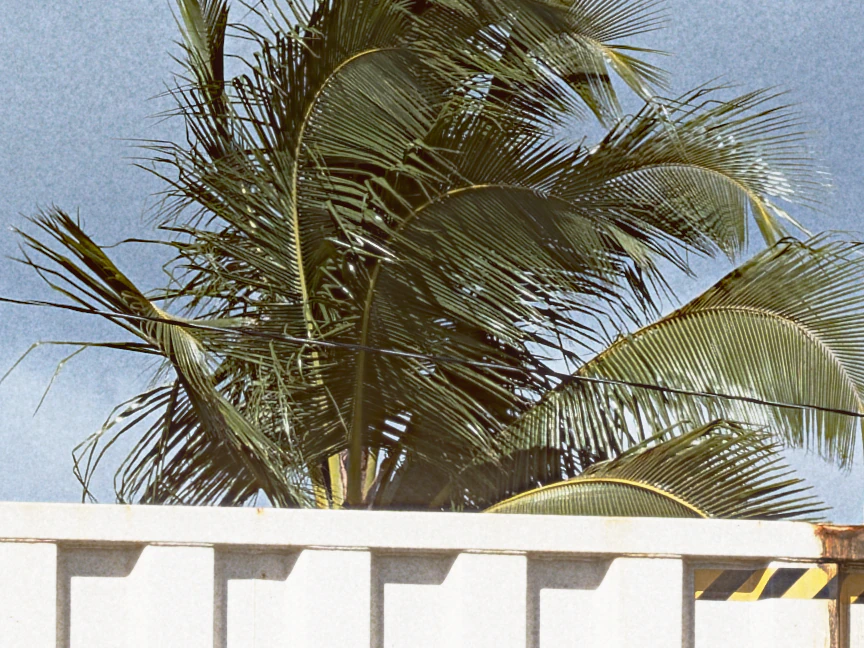
Digital files are sharper than film. On the digital side every frond is cut clean, finer than Ultra Max 800 can hold. milkglass softens each film to the detail it can resolve.
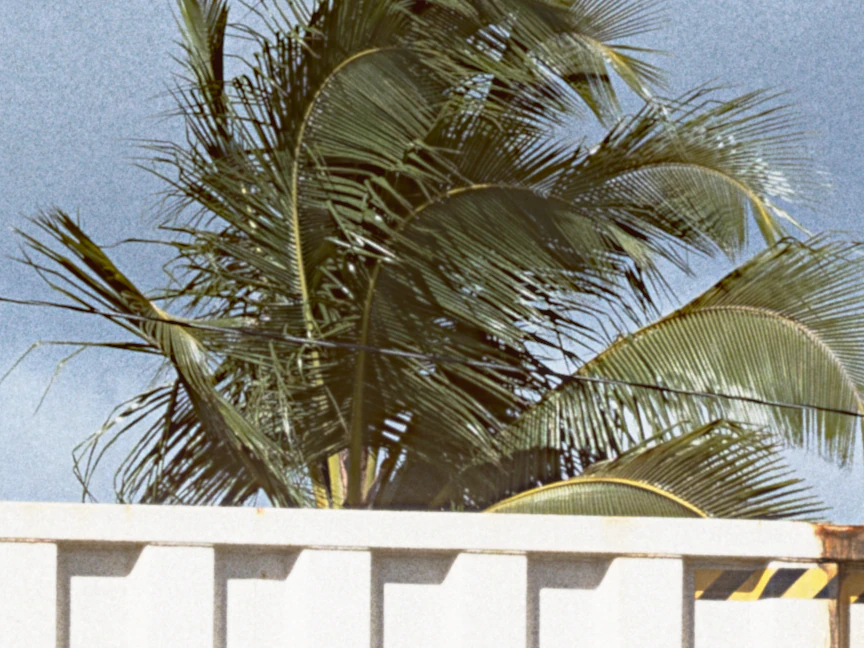
Palm fronds over a container roof at 100 percent, with the fine detail Kodak Ultra Max 800 can hold. milkglass
The same fronds with digital sharpness, every strand cut clean. Digital
Kodak Ultra Max 800 at 100 percent, with Soften to the film off, then on.

A look inside

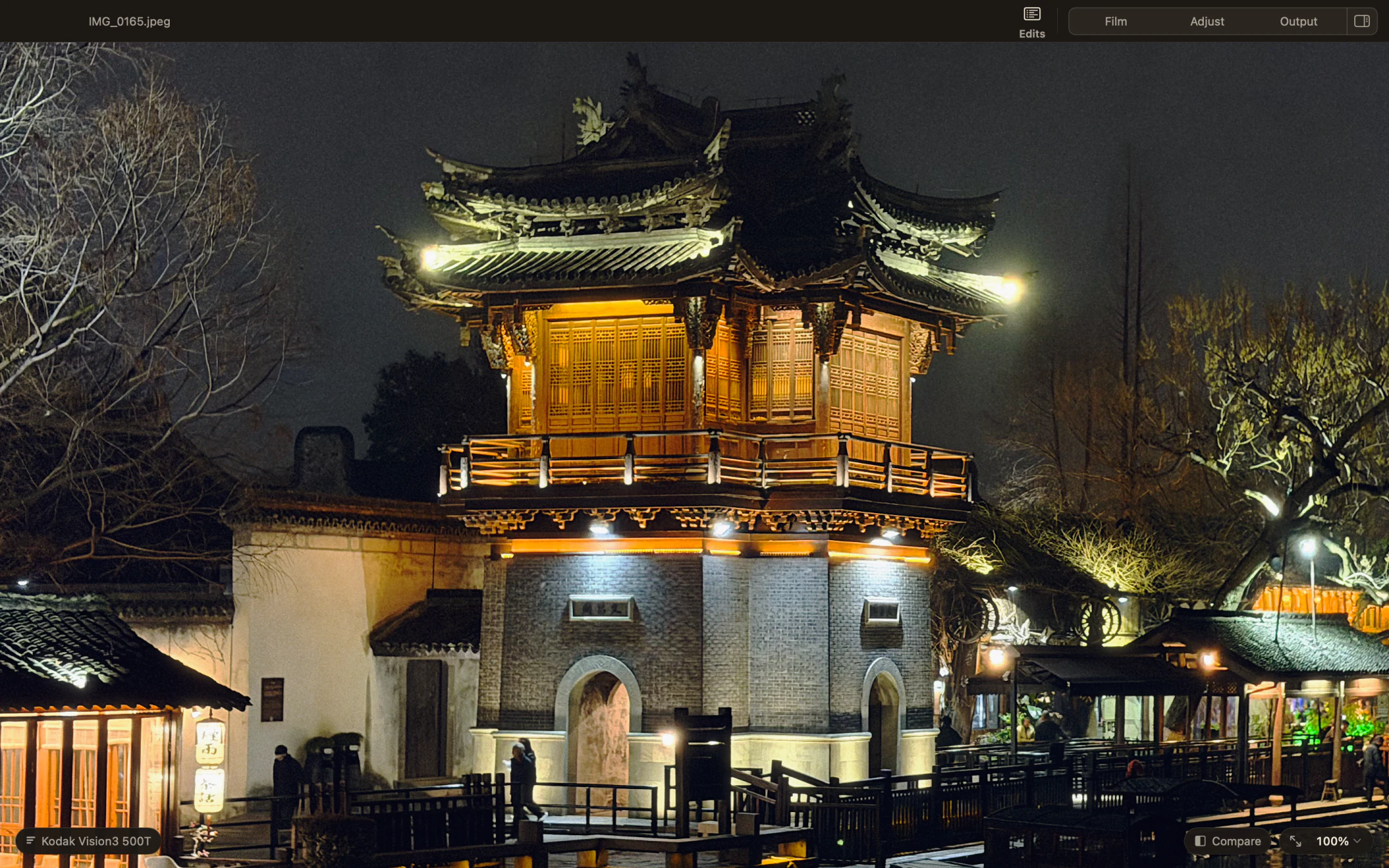
A lit pavilion at night at 100 percent in Milkglass, with Kodak Vision3 500T applied.
Kodak Vision3 500TA night scene with a cinema film stock.
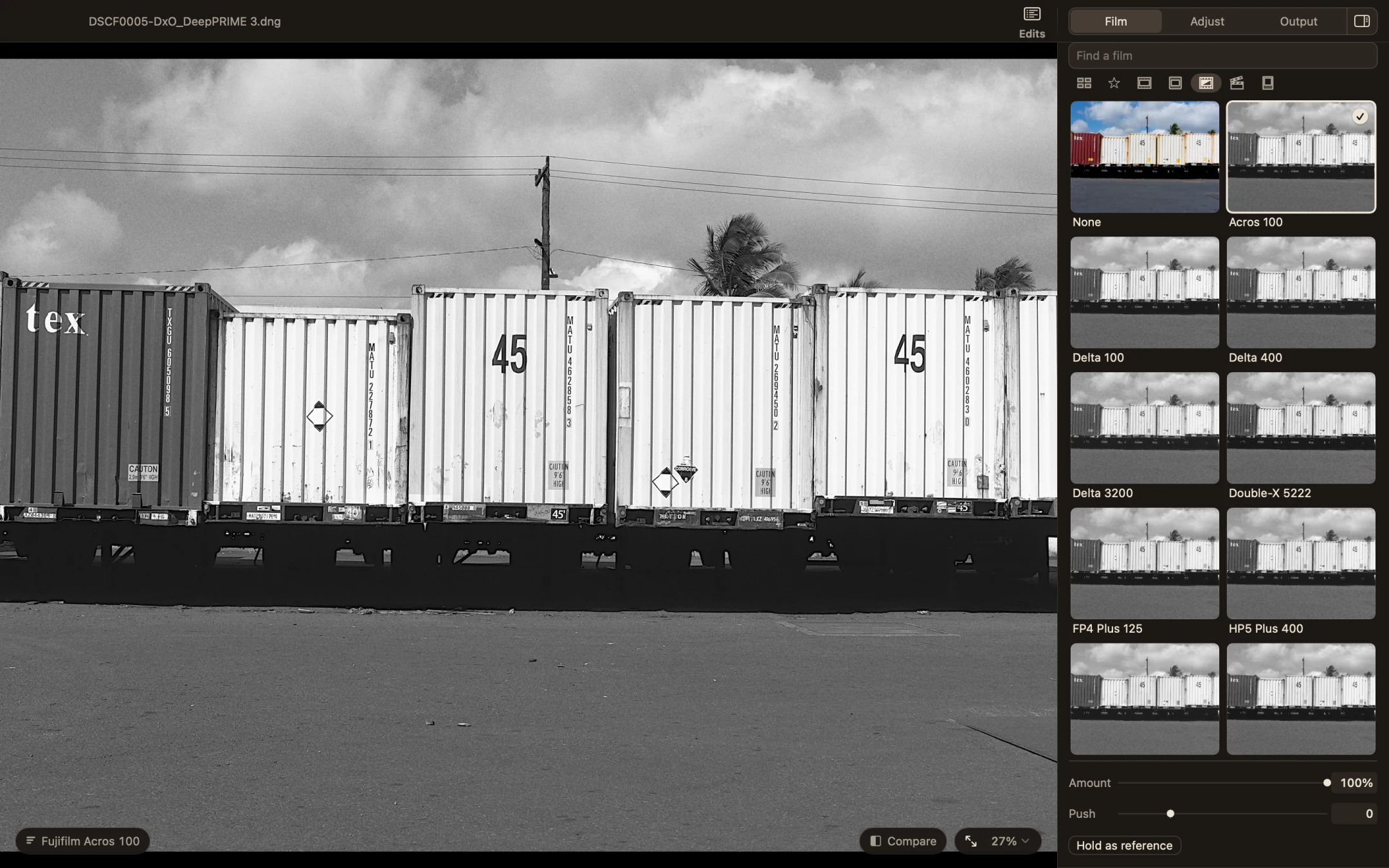
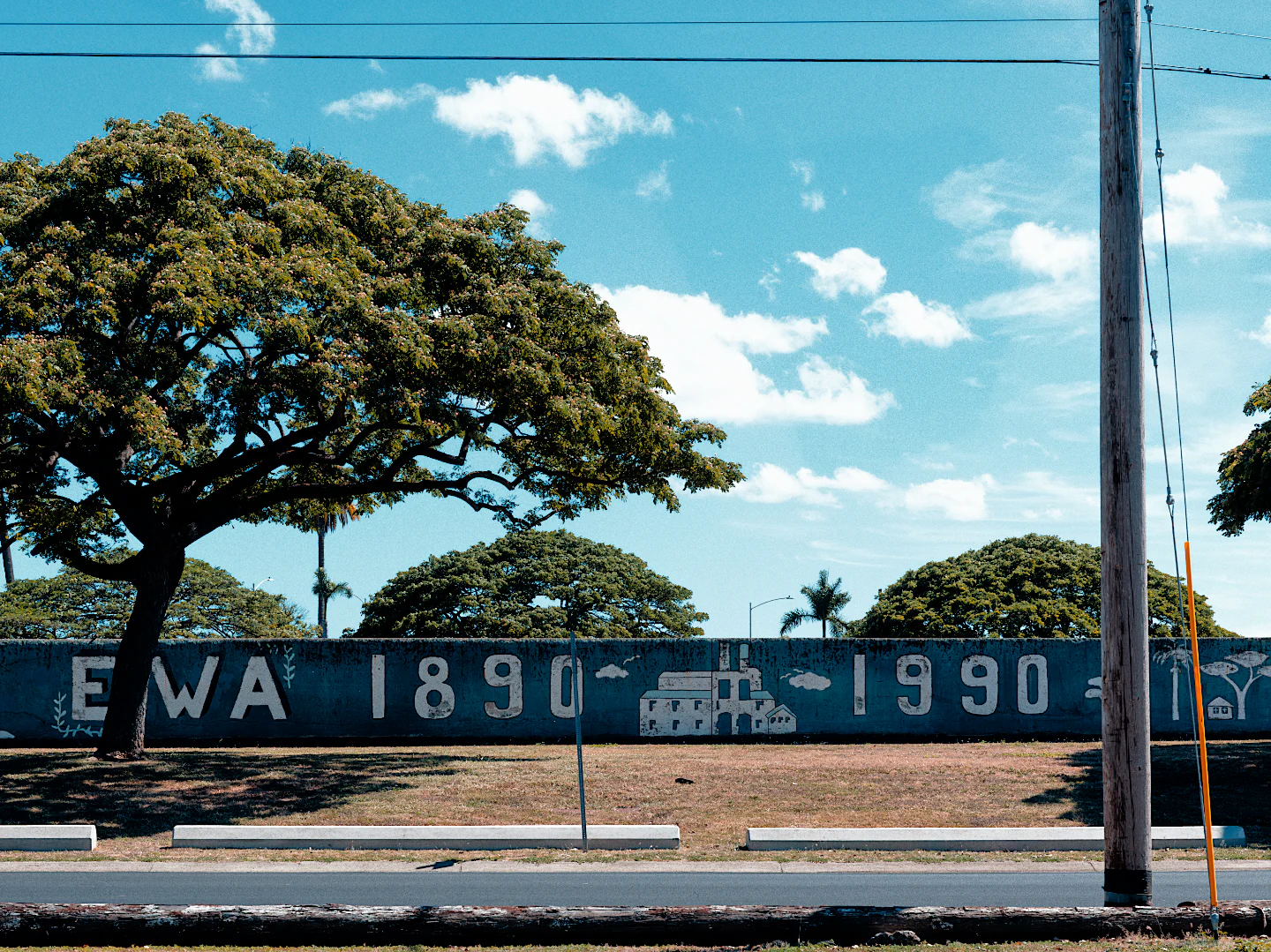
The Film page in Milkglass showing the black and white stocks, Fujifilm Acros 100 selected beside a photograph of shipping containers.
Fujifilm Acros 100Shipping containers in black and white.
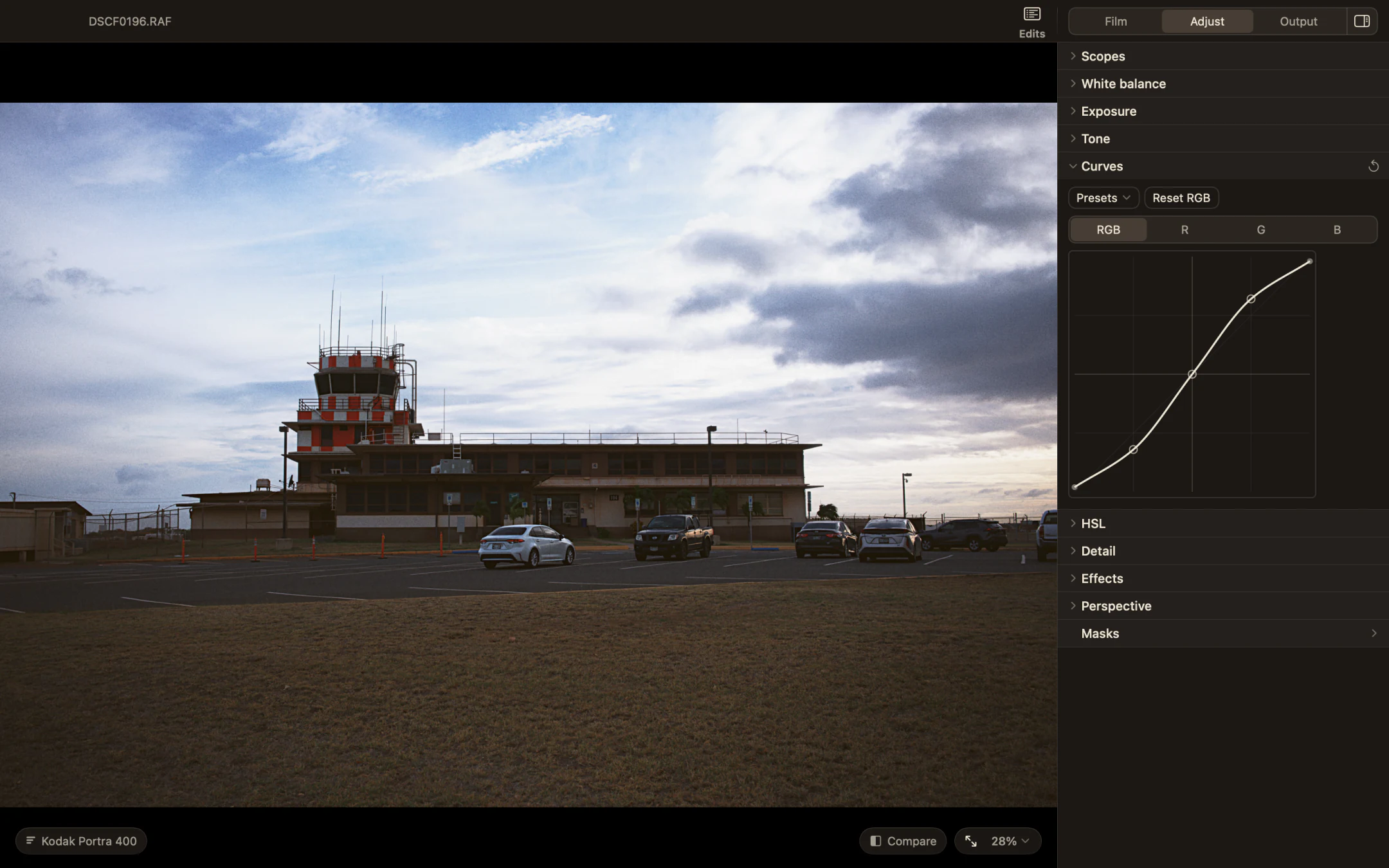
Milkglass showing an airfield control tower at dusk with the Curves section open in the Adjust page.
Kodak Portra 400Adjusting the contrast with curves.
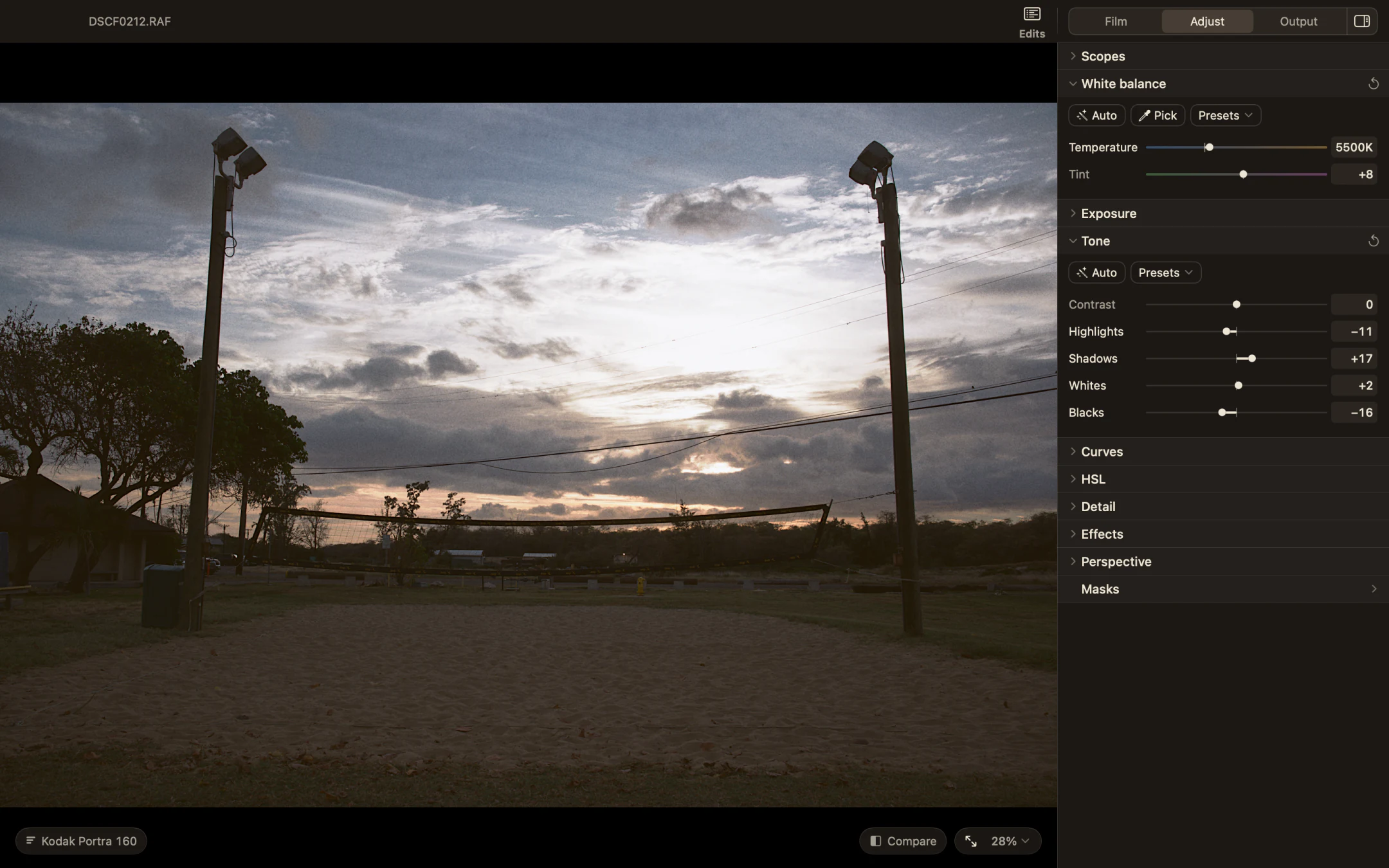
Milkglass with the White balance and Tone sections open beside a sand volleyball court at sunset.
Kodak Portra 160White balance and tone controls beside the photograph.
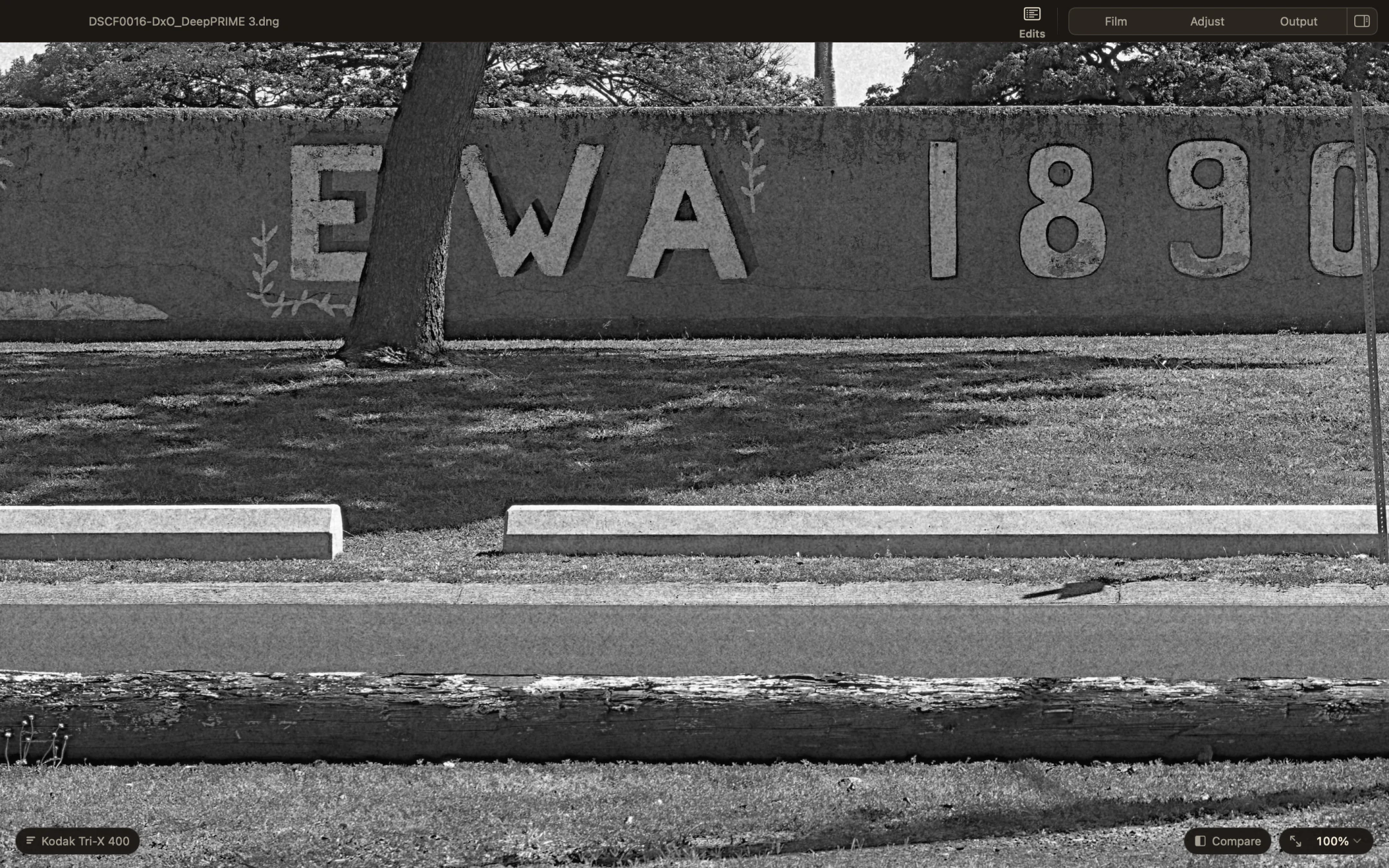
A painted wall at 100 percent in Milkglass with Kodak Tri X 400, showing the grain.
Kodak Tri X 400A closer look at the grain, at 100 percent magnification.

Pricing

$29.99 USD

Free to try for 7 days, then unlock it through the Mac App Store. No subscription.

Get milkglass on the Mac App Store

Questions

What macOS do I need?
macOS 14 (Sonoma) or later. Apple silicon or Intel.
Can I use JPEGs?
Yes. Open RAW files, JPEG, HEIF, TIFF, PNG and WebP. Export JPEG, PNG and TIFF. See supported files for camera support.
Does it change my original files?
No. Your edits are kept inside milkglass, and the original RAW or JPEG is never touched. Nothing is written next to your photos.
Does milkglass collect my photos or data?
No. Your photos and edits stay on your Mac. There’s no account or analytics. Apple checks your purchase at launch and when you use Restore Purchases.